Vagrant and VirtualBox tips
How to resize your virtualbox disk size
Vagrant up failure
Port conflict error
Edit the Vagrantfile present in the root of bahmni-environment and comment out the following lines. The Vagrantfile is in ruby so "#" marks the line as a comment.
#config.vm.network :forwarded_port, guest: 8080, host: 8081
#config.vm.network :forwarded_port, guest: 443, host: 8082
#config.vm.network :forwarded_port, guest: 80, host: 8083
#config.vm.network :public_network
Authentication failure
Networking related error
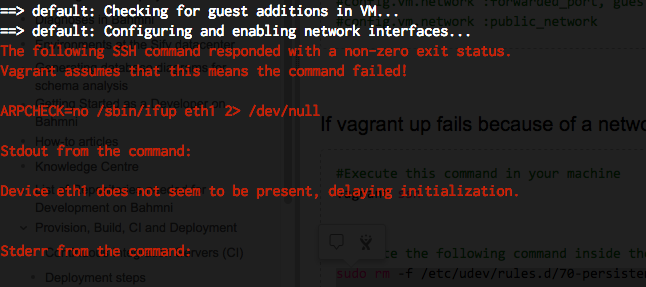
#Execute this command in your machine
vagrant ssh


#Execute the following command inside the Vagrant VM
sudo rm -f /etc/udev/rules.d/70-persistent-net.rules
sudo rm -f /etc/sysconfig/network-scripts/ifcfg-eth1
sudo rm -f /etc/sysconfig/network-scripts/ifcfg-eth2
exit

#Execute these commands in your machine
vagrant halt
vagrant up
Network Interface related Error
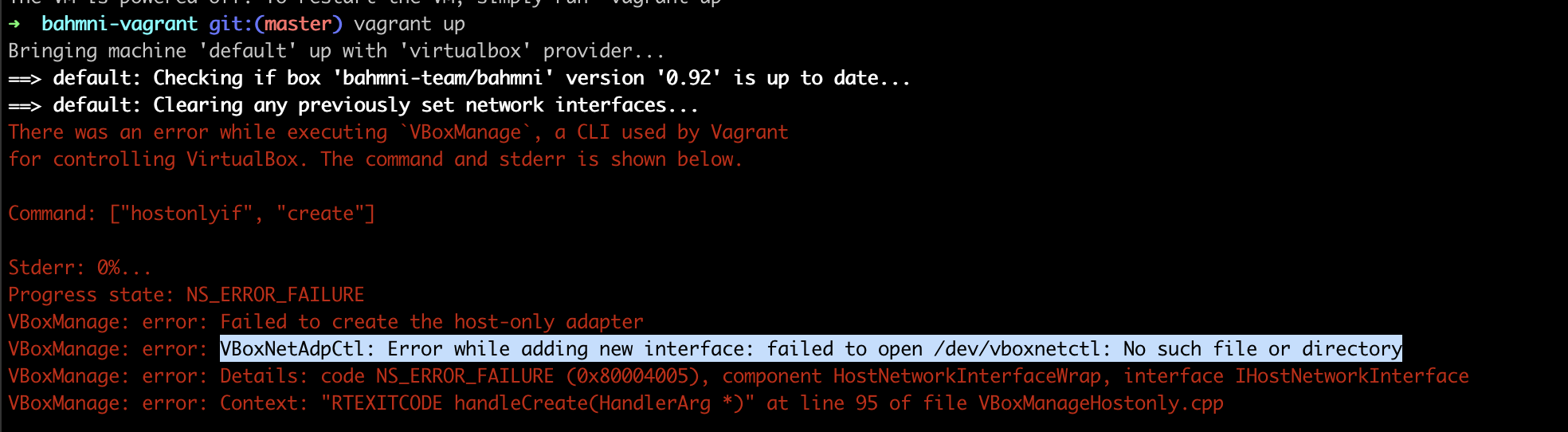
For more details read this stackoverflow link
- Grant permission to VirtualBox under System Preferences > Security & Privacy > General
- Open Terminal and run: sudo "/Library/Application Support/VirtualBox/LaunchDaemons/VirtualBoxStartup.sh" restart
- vagrant up
Mounting Failed
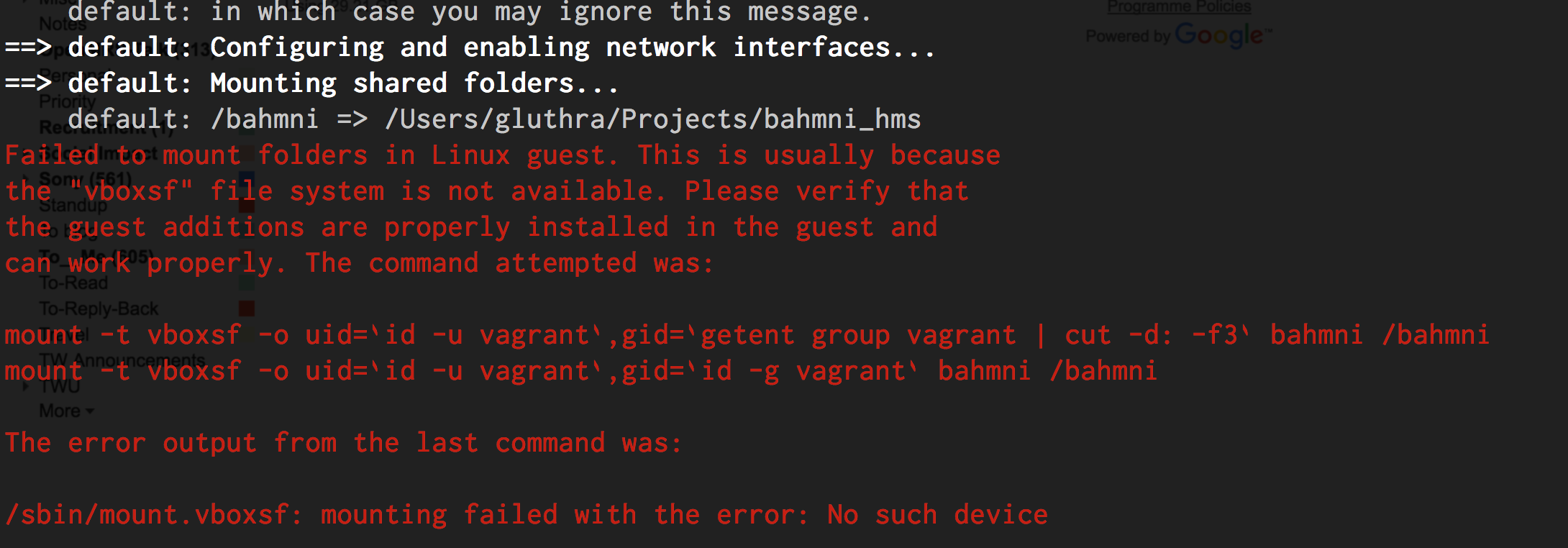
For more details read this Stackoverflow link.
Unsupported provider
Problem:
On Linux/Fedora 25 the vagrant up command results in the following error message:
$ vagrant up
Bringing machine 'default' up with 'libvirt' provider...
==> default: Box 'bahmni-team/bahmni' could not be found. Attempting to find and install...
    default: Box Provider: libvirt
    default: Box Version: >= 0
==> default: Loading metadata for box 'bahmni-team/bahmni'
    default: URL: https://atlas.hashicorp.com/bahmni-team/bahmni
The box you're attempting to add doesn't support the provider
you requested. Please find an alternate box or use an alternate
provider. Double-check your requested provider to verify you didn't
simply misspell it.

If you're adding a box from HashiCorp's Atlas, make sure the box is
released.

Name: bahmni-team/bahmni
Address: https://atlas.hashicorp.com/bahmni-team/bahmni
Requested provider: [:libvirt]
Workaround:
Vagrant issue on Windows 7/8
In some cases PowerShell must be updated on Windows 7/8. If this affects your system, you will be prompted to update to a more recent version of PowerShell after running vagrant up. Refer to this page for solutions on upgrading PowerShell and/or installing Windows Microsoft Framework (WMF).
Vagrant issue on Windows 10
There is a known issue with Vagrant on Windows 10. Please read this discussion to understand how you can fix it: https://talk.openmrs.org/t/unable-to-download-vagrant-box-cannot-find-box-error-windows-10/6734/2
Link local bahmni config folder to vagrant box
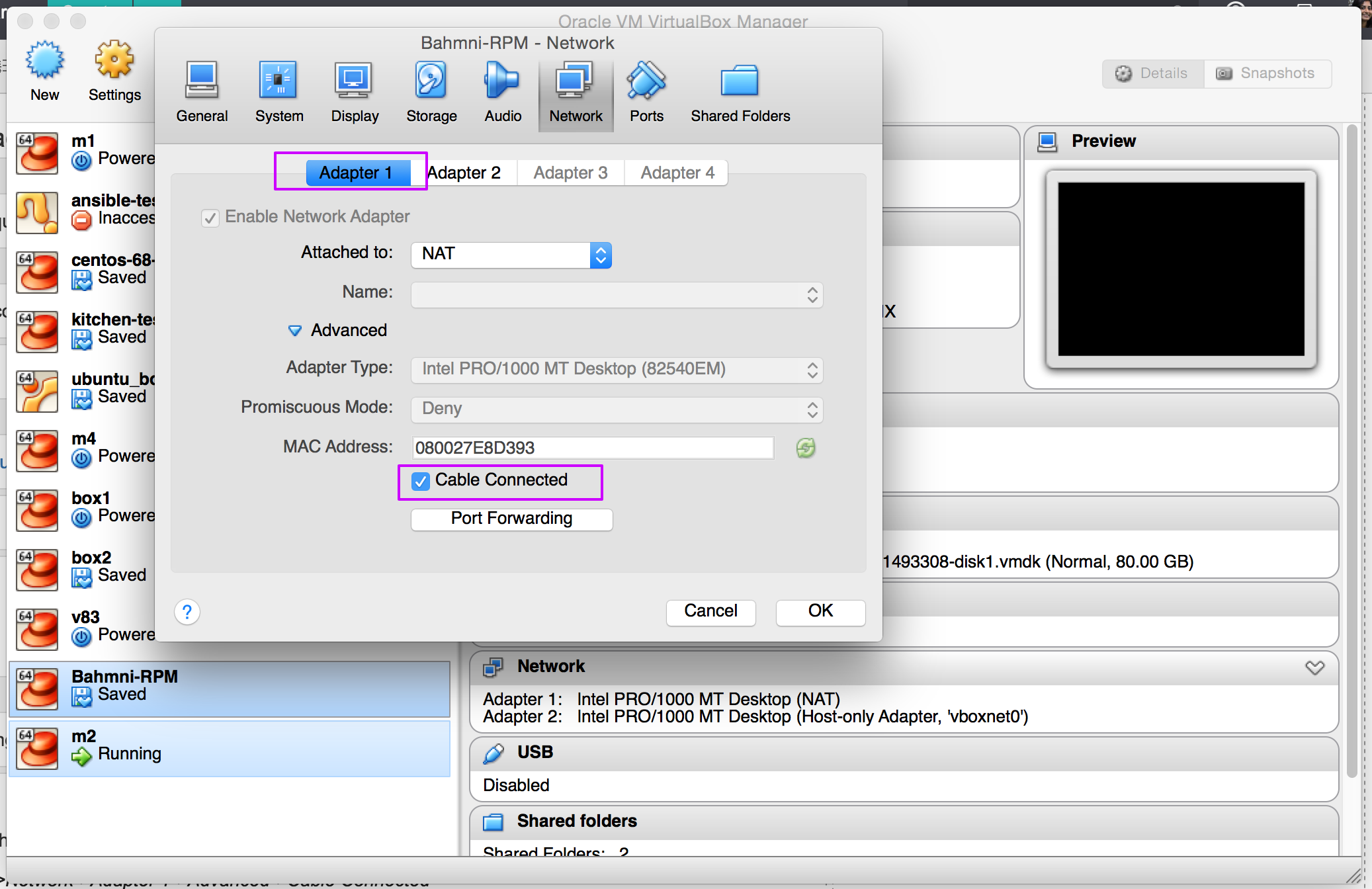
Virtual Box Time Out Error
Open the virtual box and choose the relevant box.
Click on Network and choose Adapter 1 and keep the Cable Connected check box selected as shown below.
Virtual Box 7.0 error for MAC Intel Core
Problem:
Stderr: 0%...NS_ERROR_FAILURE
VBoxManage: error: Failed to create the host-only adapter
VBoxManage: error: VBoxNetAdpCtl: Error while adding new interface: failed to open /dev/vboxnetctl: No such file or directory
VBoxManage: error: Details: code NS_ERROR_FAILURE (0x80004005), component HostNetworkInterfaceWrap, interface IHostNetworkInterface
VBoxManage: error: Context: "RTEXITCODE handleCreate(HandlerArg *)" at line 105 of file VBoxManageHostonly.cpp
Workaround:
Virtual Box 6.X versions will work.
Bahmni Wiki · CC BY-SA 4.0