Configuring print of lab reports
The default print of laboratory reports can be slightly modified using the Administration section of Bahmni Lab.
Login to “LABORATORY” from the Bahmni home page.
Go to Administration → Printed Reports Configuration. You will see a screen like this.
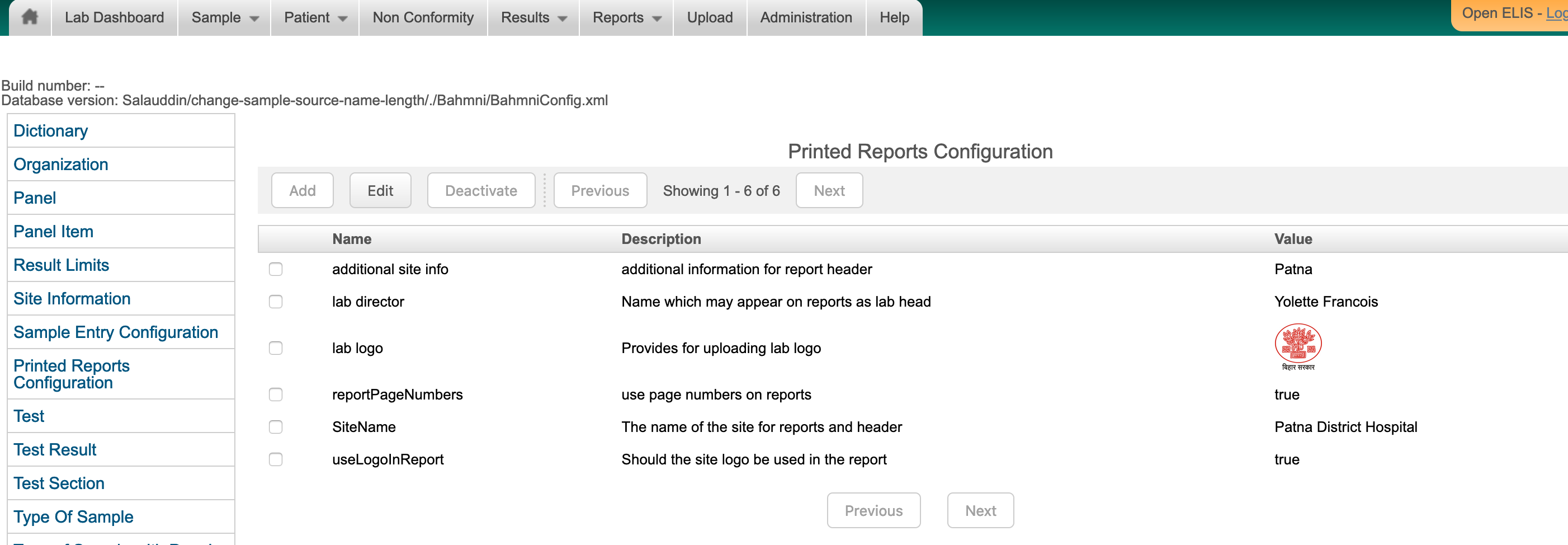
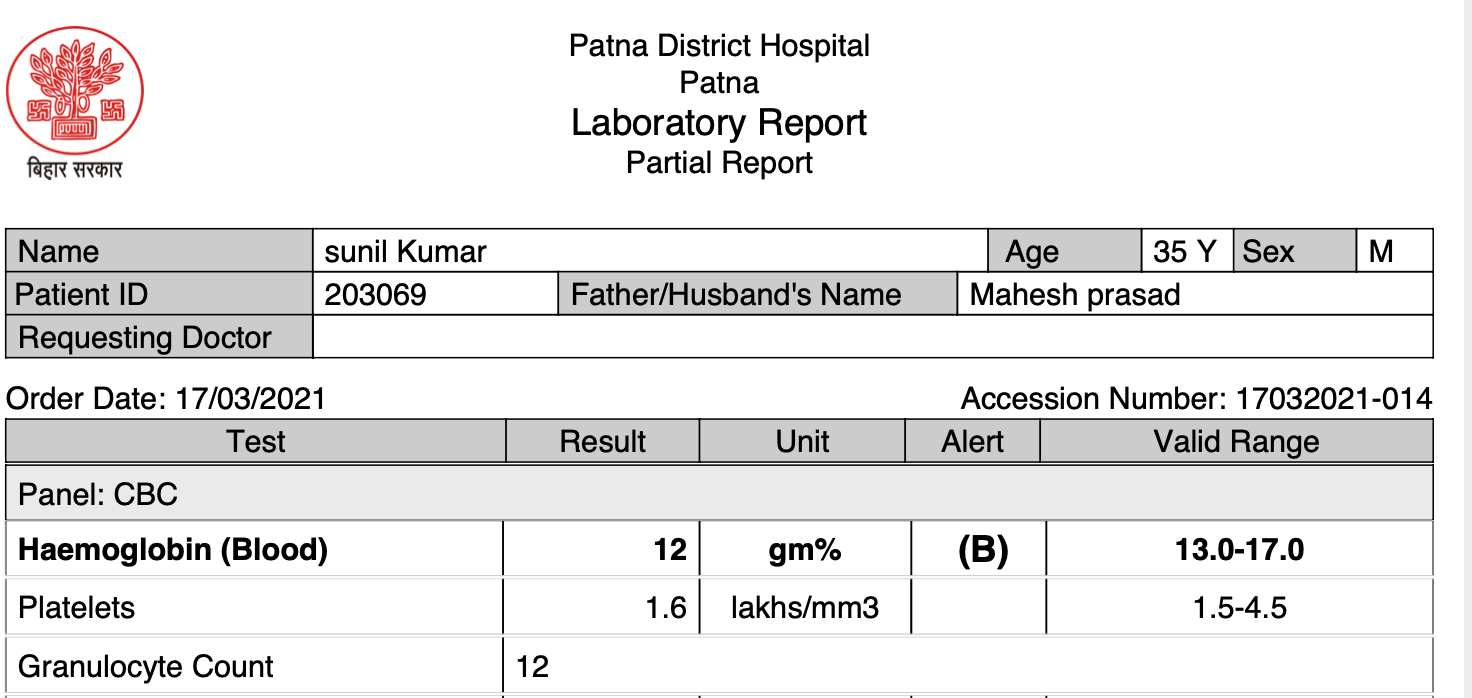
Changing the Site Name will modify the header. Adding additional site info will create a subheader on the print report. The lab logo option provides an option to modify the logo printed on the top left of the print page. Here is a sample report. See the change in name of the hospital, the location and the logo on the left top.
원문 정보
원문 보기 ↗Bahmni Wiki · CC BY-SA 4.0