Bahmni Virtual Box
Introduction
Whether you use Windows, Linux or Mac, you can use this process to have Bahmni running on your machine for Testing or Development. Note that it is NOT recommended to use this in production. The idea is to download the Bahmni Virtual (Vagrant) Box which is pre-installed with CentOS, and all softwares. To make the vagrant box run on your machine you will need Virtual Box, Vagrant and GIT installed (See steps below). Once you have this Vagrant box running, you can then make changes to file in the box, and see them reflect immediately. If you still wish to go ahead, and make code changes, and deploy them - then development setup will be needed, so that you can modify files in your base OS, and run them inside the Vagrant box after recompilation.
Perform the following steps to get Bahmni VM setup on your computer
Step 1: Install Git, Virtual Box and Vagrant on your computer
- Git: http://git-scm.com/book/en/v2/Getting-Started-Installing-Git
- VirtualBox:https://www.virtualbox.org/wiki/Downloads
- Vagrant: https://www.vagrantup.com/downloads.html (Please install Vagrant version 1.7 or newer, 2.0.2 is the recommended version)
Step 2: Create a folder bahmni where you would like all project related files to be present
Step 3: Clone the following projects from Github inside the newly created folder bahmni
cd bahmni
git clone https://github.com/Bahmni/bahmni-vagrant.git
Step 4: From within directory bahmni-vagrant execute "vagrant up" command
This command will download a CentOS Vagrant Box from the internet, and install it on your machine ('vagrant box list' command shows a list of locally installed boxes).
cd bahmni-vagrant

# Make sure that the command prompt is running "As Administrator" otherwise the next command vagrant up will hang on 'Clearing any previously set network interfaces'.
#This command will download the Vagrant box from Atlas first time. Next time onwards, the already downloaded vagrant box will be used.
# The download box size is about 2.5 GB. Please ensure you have a good and stable internet connection to download the box. Usually vagrant will continue download from where it got disconnected.

vagrant upStep 5: You should have Bahmni up and running, and accessible on the below mentioned links
| Application | Link | Credentials | Screenshot |
|---|---|---|---|
| Bahmni Home Landing Page | https://192.168.33.10/ | - | |
| Bahmni EMR & Clinical UI | https://192.168.33.10/home | superman/Admin123 | |
| Lab System (OpenELIS) | http://192.168.33.10/openelis | admin/adminADMIN! | |
| ERP System (Odoo) - Billing and Inventory | http://192.168.33.10:8069/ | admin/adminNote: On v0.91 this would go to OpenERP whose credentials are: admin/password (Choose Database "openerp" in top right corner). | |
| OpenMRS - | https://192.168.33.10/openmrs/ | superman/Admin123 |

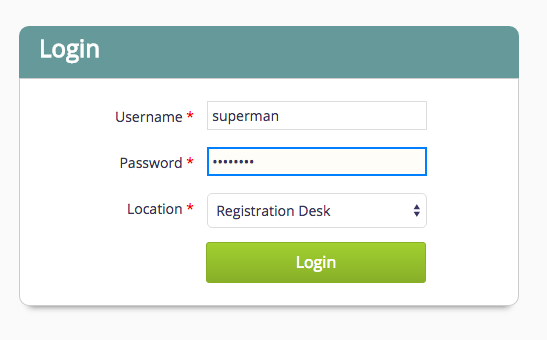
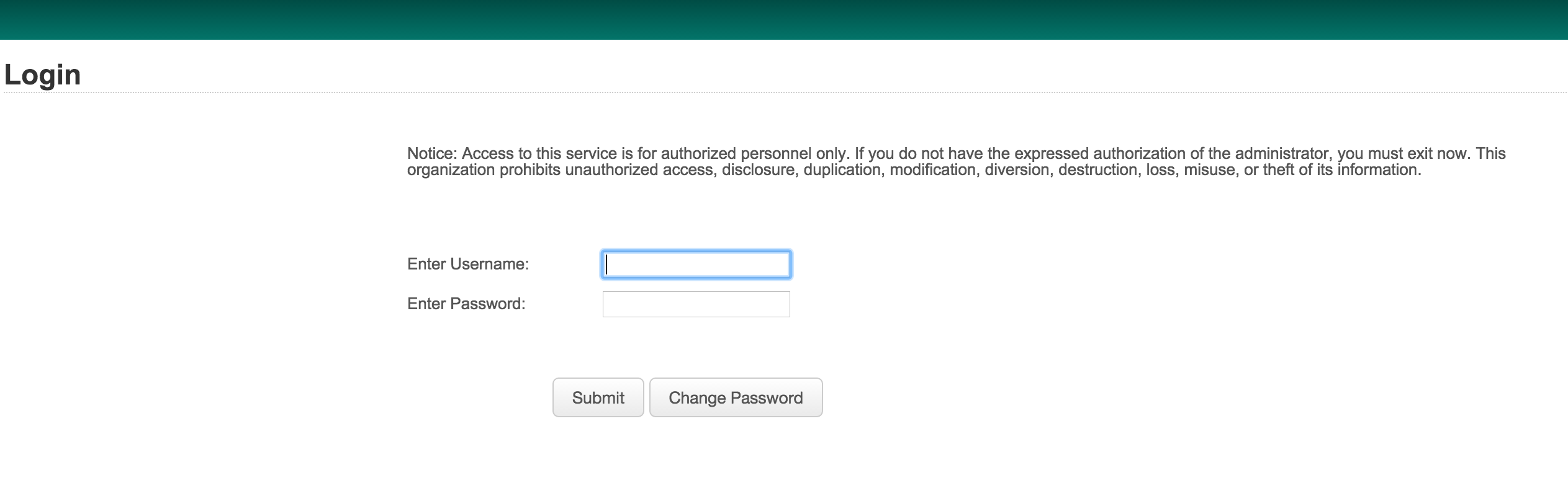
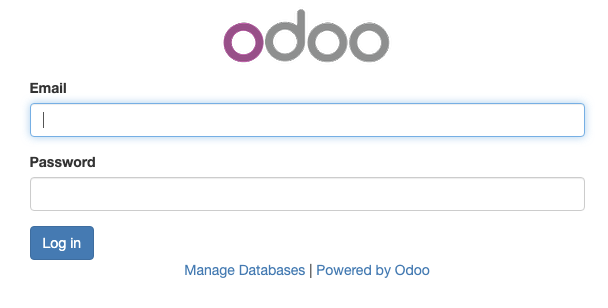
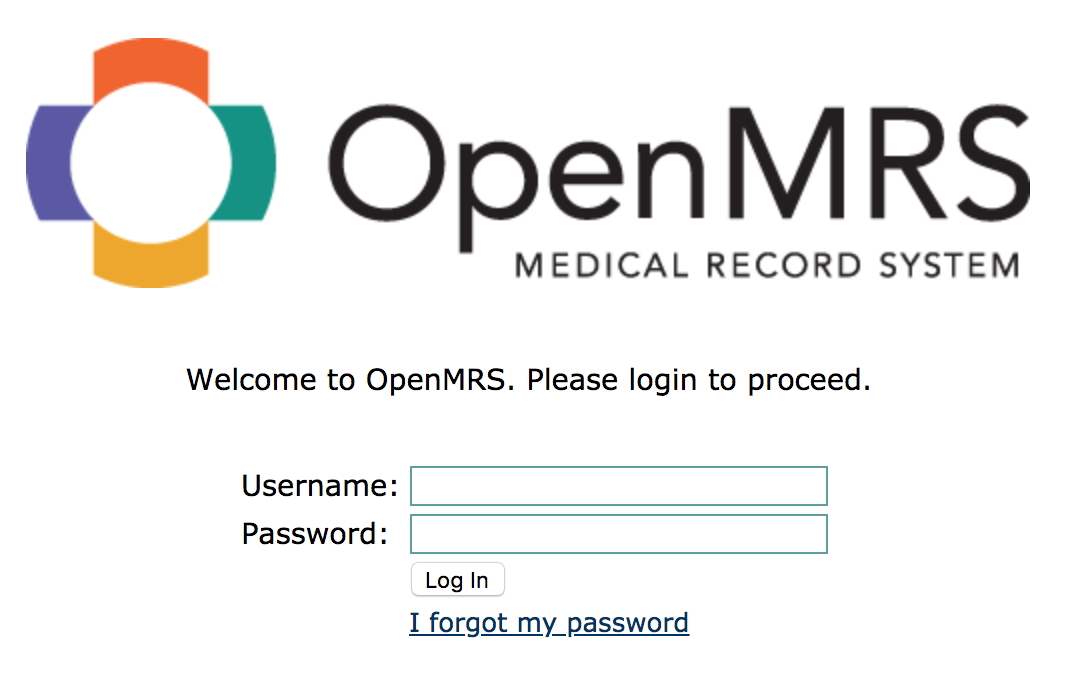
Step 6: To halt the VM, you can use the "vagrant halt" command
cd bahmni-vagrant
vagrant halt
# Use 'vagrant up' next time, to restart the box.
Working Inside the Bahmni Vagrant Box
Starting / Stopping your Vagrant Box
Updating your Vagrant Box to the Latest Version
If you already have a Bahmni vagrant box on your machine, but would like to update to the latest published box, please perform the following steps.
Transfer-Vagrant-box
Transferring your Vagrant box to another machine
If you wish to transfer the same vagrant box from your machine to another machine, you can also do that. This has the following advantages:
- Any data you setup in your vagrant box will also be available to the other box/machine.
- If the other machine doesn't have fast internet access, then also you can perform this machine to machine box transfer, and save on bandwidth.
- Its quicker than downloading the whole box!
Steps to perform:
Reference document: https://www.dev-metal.com/copy-duplicate-vagrant-box/
- Create Reference Box: Create a new vagrant box that has everything from your box packaged into it using the following commands:
# Execute these commands from the same folder where your vagrant box is kept. # Halt vagrant vagrant halt # Create a new .box. This will create a package.box file vagrant package - Use Box on Target Machine: On the new machine, perform the following steps: Create a new folder, say: "D:/my-bahmni-vagrant"
- Copy over the "package.box" file and "Vagrantfile" from your machine into the above folder.
- Edit the Vagrantfile and do the following:
- Save the Vagrant file and execute "vagrant up" command.
# Change this value as below
config.vm.box = "my-bahmni-box"

# Add this line to point the url to the package.box
config.vm.box_url = "file:///d:/my-bahmni-vagrant/package.box"
Now the vagrant box on the new machine should be up. You can repeat step 2 on other machines, now that you have a package.box as reference for others.
Setting up an AWS Machine using your Vagrant / VM Box Image
Read this document:
Direct Download of Vagrant Box
If you are unable to download the box using the "vagrant up" command, you can choose to download it via some other downloader utility directly using this link:
v0.93.2: https://app.vagrantup.com/bahmni-team/boxes/bahmni/versions/0.93.2/providers/virtualbox.box
v0.93.1: https://app.vagrantup.com/bahmni-team/boxes/bahmni/versions/0.93.1/providers/virtualbox.box
After download, rename the box to "package.box". Place the box in your "bahmni-vagrant" folder, and edit the Vagrant file as below:
# Change this value as below
config.vm.box = "my-bahmni-box"

# Add this line to point the url to the package.box
config.vm.box_url = "file:///d:/my-bahmni-vagrant/package.box"
Now save the Vagrantfile. And then execute the "vagrant up" command.
From Bahmni v0.89, the Bahmni virtualbox comes with oh-my-zsh shell, Git installed. This will helpful for the newbies to navigate inside vagrant box. For details check this PR.
하위 문서
Bahmni Wiki · CC BY-SA 4.0