Configure Advanced Settings
Description
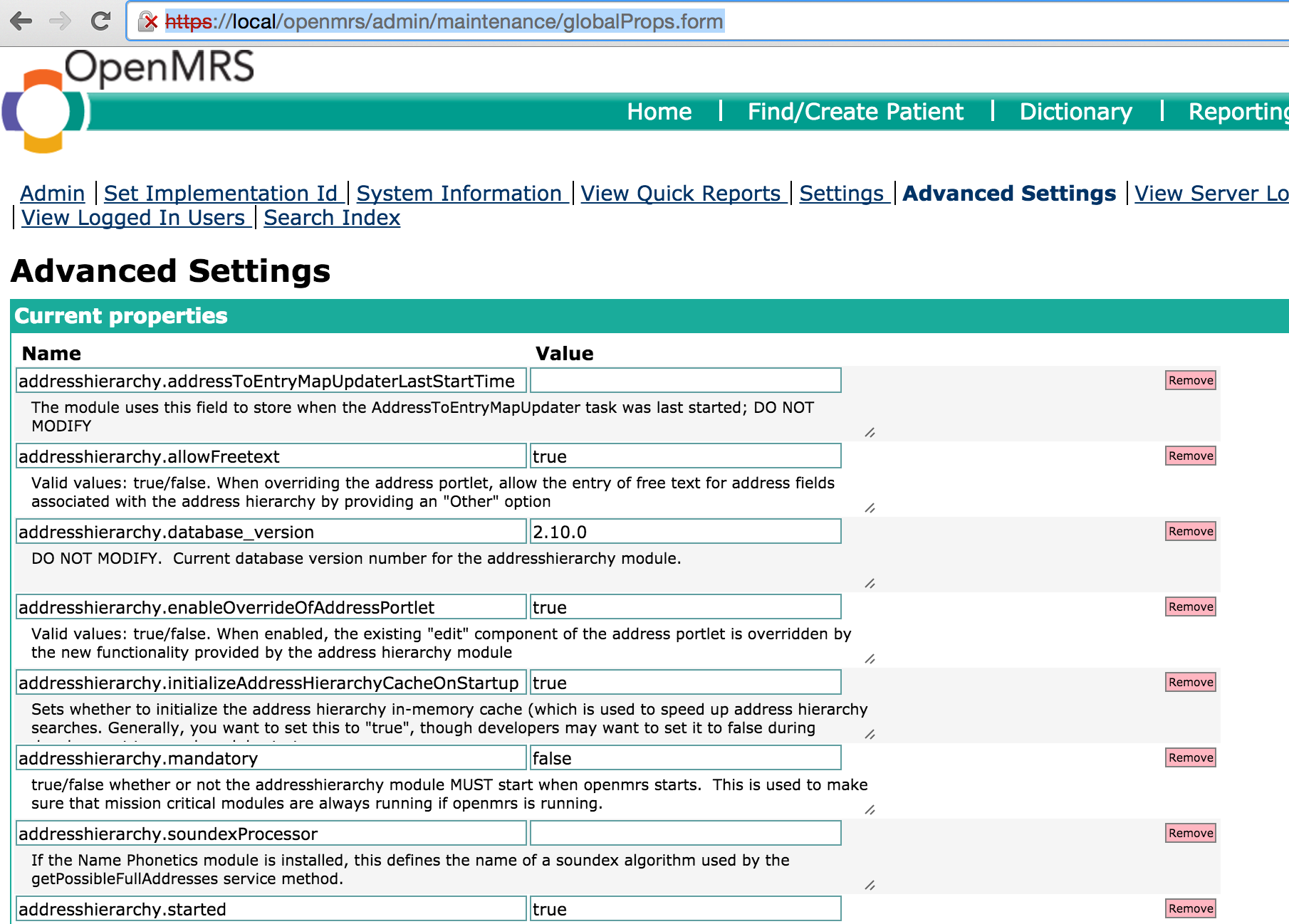
OpenMRS allows Users to set global properties, which are configuration variables that the User can set via Advanced Settings under Administration Menu, without restarting or recompiling the application.
OpenMRS provides a way to add custom configuration in the form of key-value pairs. Several Bahmni functionalities that are just a key-value pair are implemented using Advanced Settings in OpenMRS.
Where to add ?
One can add new global property via OpenMRS Administration UI or using a SQL query
Some examples of Global Properties are:
| Name | Description | Value |
|---|---|---|
| mrs.genders | List of gender and gender codes used across MRS | {"M":"Male", "F":"Female","O":"Other"} |
| bahmni.encounterType.default | Default encounter type | 'Consultation' |
원문 정보
원문 보기 ↗Bahmni Wiki · CC BY-SA 4.0