Two Factor Authentication (2FA or TFA) guide
About the Feature
2FA is additional security mechanism to protect the user from fraudulent act. Bahmni using basic authentication (username, password) from OpenMRS so far. We are introducing 2FA in Bahmni to enhance the security. This feature is optional for an implementation. When this feature is enabled then user will be authenticated with username and password first and on success, the user will get SMS with OTP in his/her registered mobile. The user has to authenticate with OTP before proceed to use the system.
How is it Used?
- When the two-factor-authentication is enabled , the user has to authenticate using his/her password in the login screen.
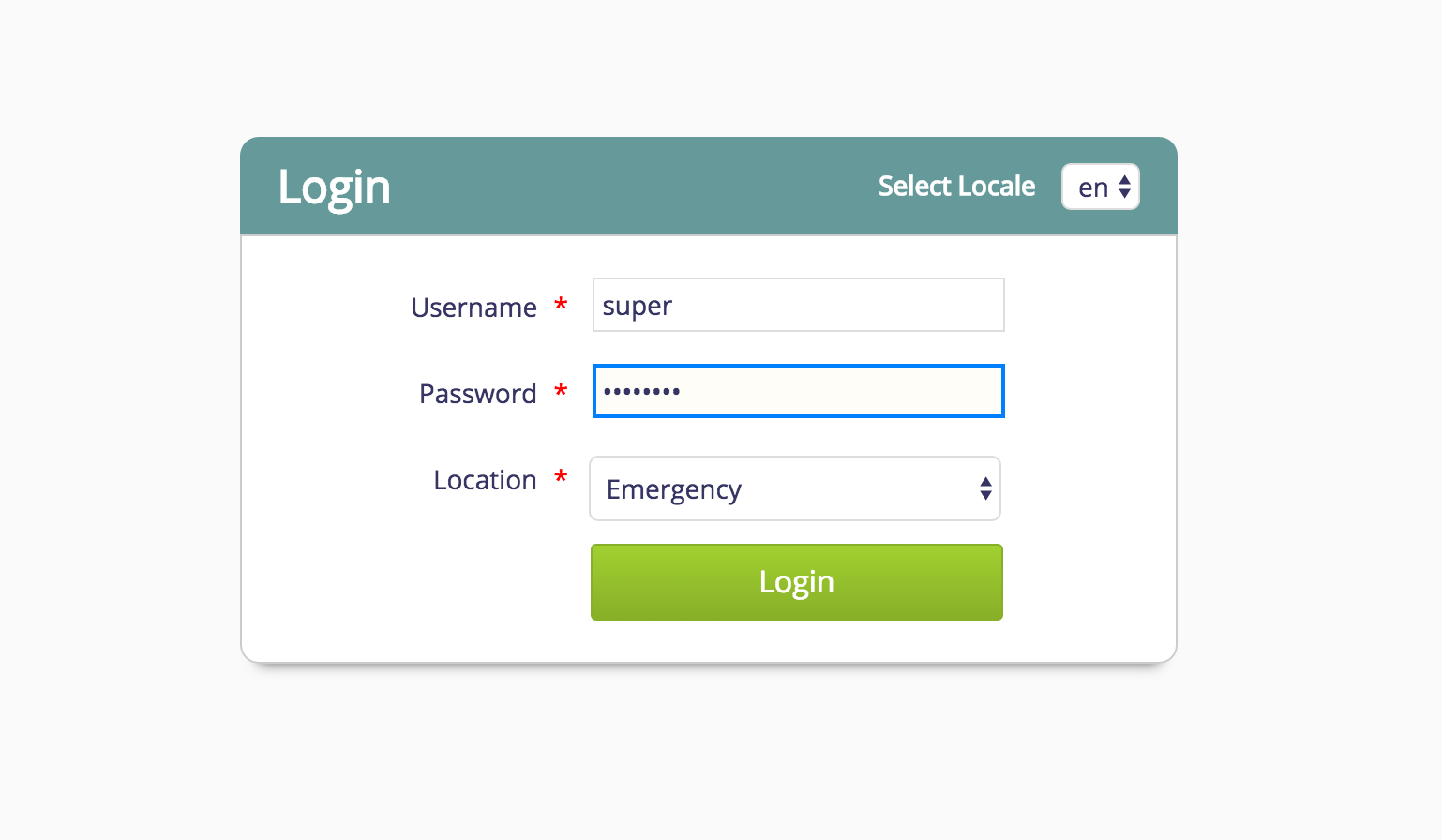
- On successful authentication, user will receive an OTP which has to be entered to login to the Bahmni.

- If the user doesn't receive OTP because of some network issues, 'Resend OTP' button can be clicked to get a new OTP. User has to enter the new received OTP to successfully login.
원문 정보
원문 보기 ↗Bahmni Wiki · CC BY-SA 4.0