Import Data
About the Feature
CSV Import allows the user to migrate the data from one Bahmni implementation to another. This data can consist of predefined types such as Encounter, Patient, Concept, etc.
Used By
Administrator of the hospital uses this feature.
How is it Used?
1. Select Admin module from the home dashboard.
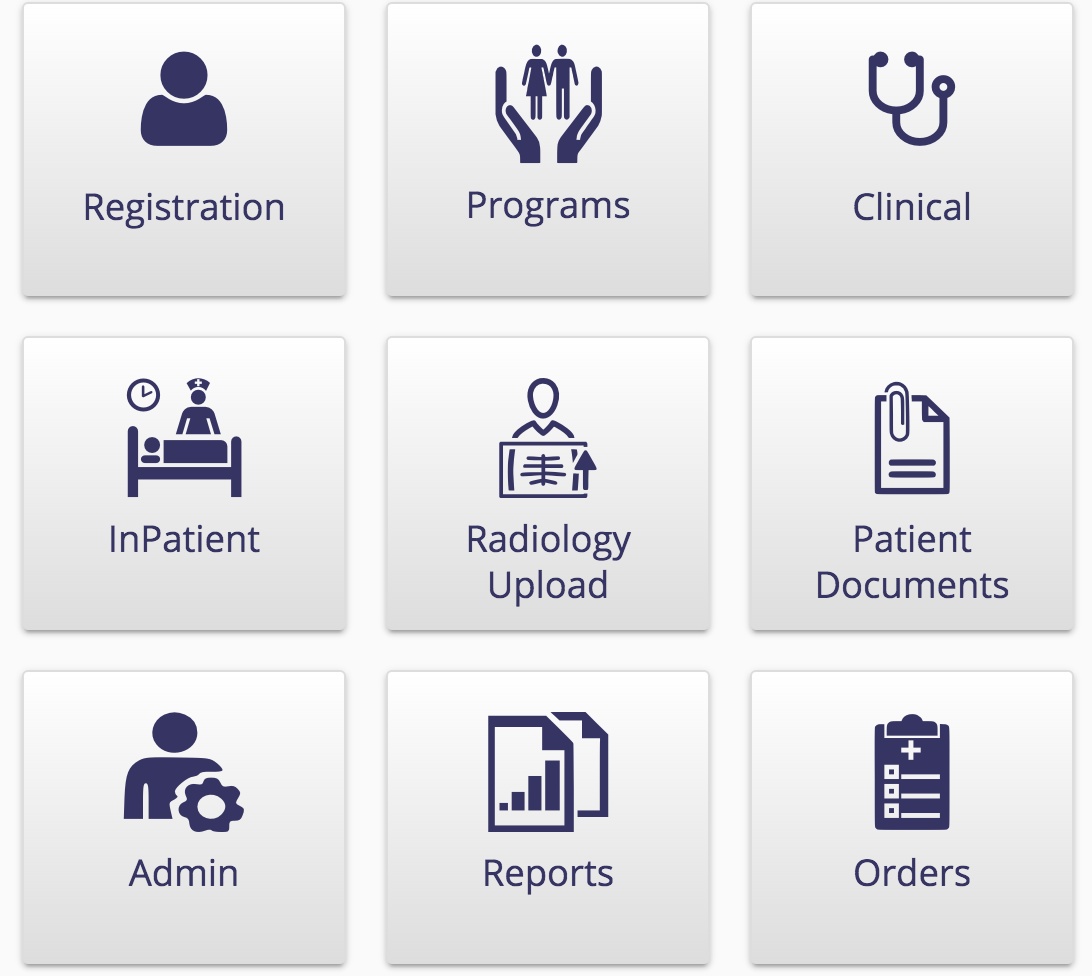
Home Dashboard
2. Select CSV Upload
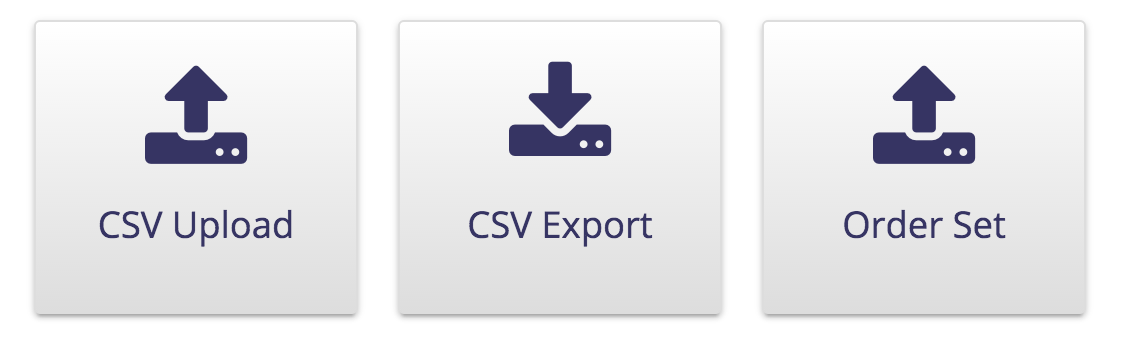
Admin Module Options
3. Select the type of data (Concept, Encounter, Drug, etc.) you want to upload and choose the file which has the data

4. When you upload the file you will see the result in the uploaded files section. The time taken to upload the files depends on the size of the data. Click "Refresh" to see the status of upload.
원문 정보
원문 보기 ↗Bahmni Wiki · CC BY-SA 4.0