Privilege based access to forms
Feature Overview
Currently, users with access to clinical or program modules can fill up any form/observation template defined. To achieve role/privilege based access to form, we will:
- Provide configurability means to define Form access (view and edit) linkage to user’s roles/privileges.
- Provide configurability means defining Form access based on departments. eg: gynecology department should not view/edit TB related forms.
This will also help reduce confusion on the user’s part on what forms he/she can/should fill in.
Solution:
In Bahmni’s implementer’s interface, a new UI is added which allows users to add Privileges to Forms designed. The same feature can also be applied to already existing forms. Old forms can be imported and we can add privileges to the forms.
On Save and After Publish, the forms can be edited or viewed as per the privileges given to the user, in the Clinical dashboard and also under the Consultation tab.
It is assumed that the implementers would have created the required user roles and privileges well ahead so that the same can be applied as the privilege for the forms on the page shown below
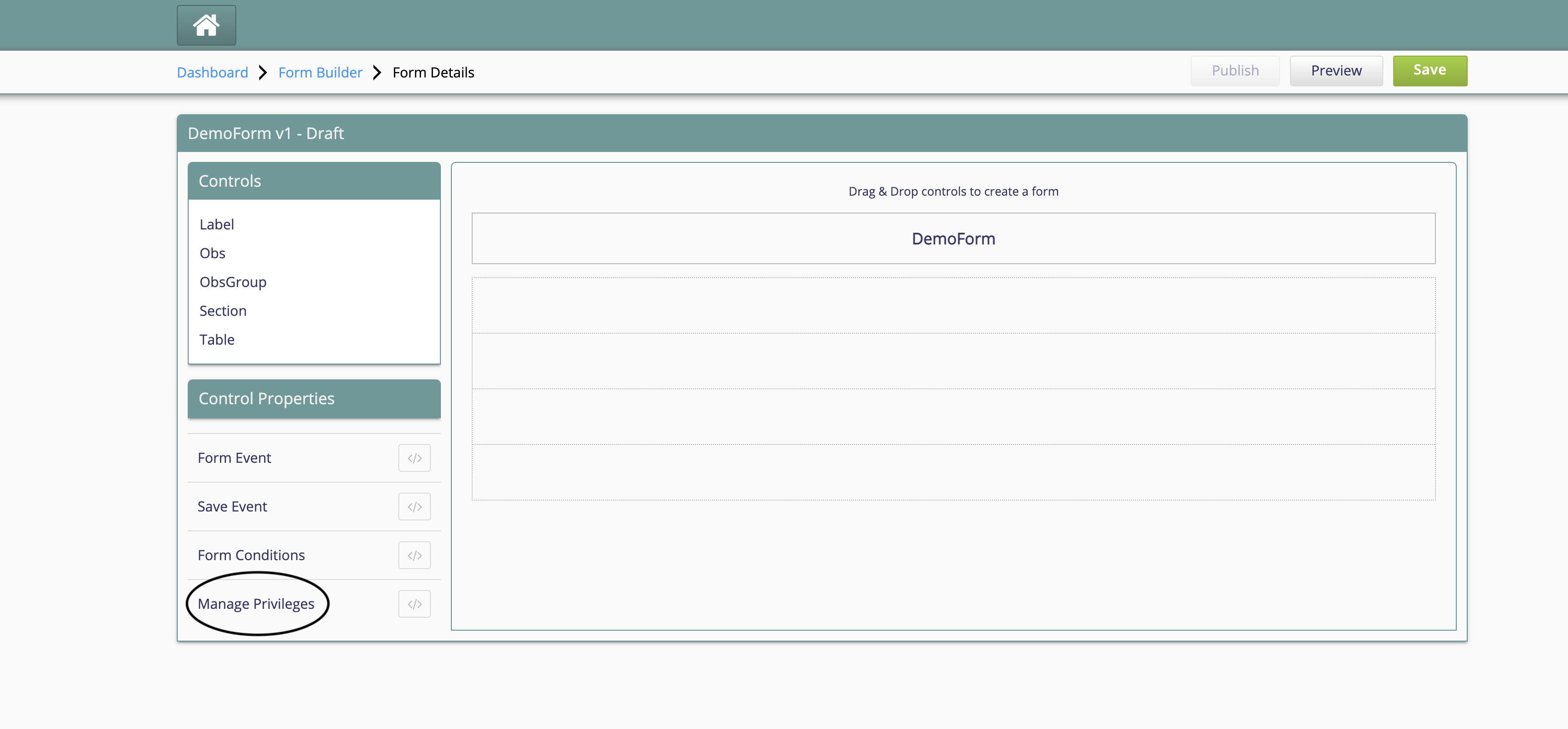
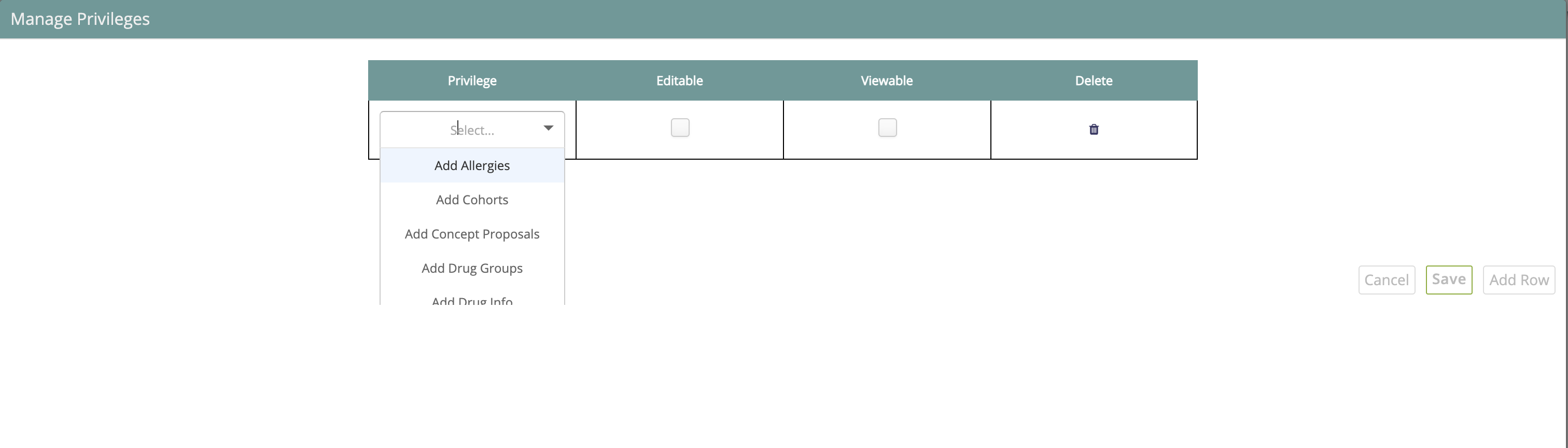
The user can either choose to give edit-only privilege or view-only privilege or both, to the forms as shown below.
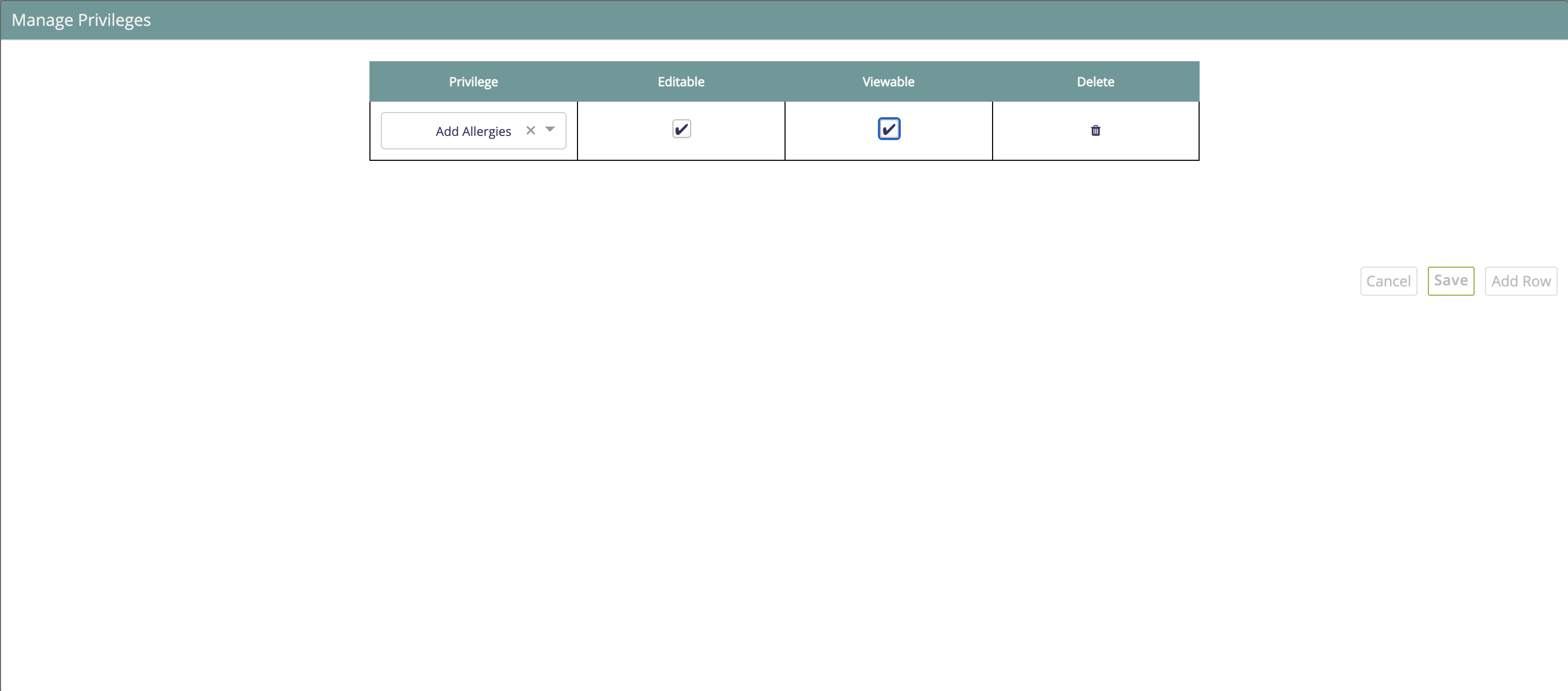
On Save and Publish of the form, the form will be viewed/edited based on the privileges given for the particular user.
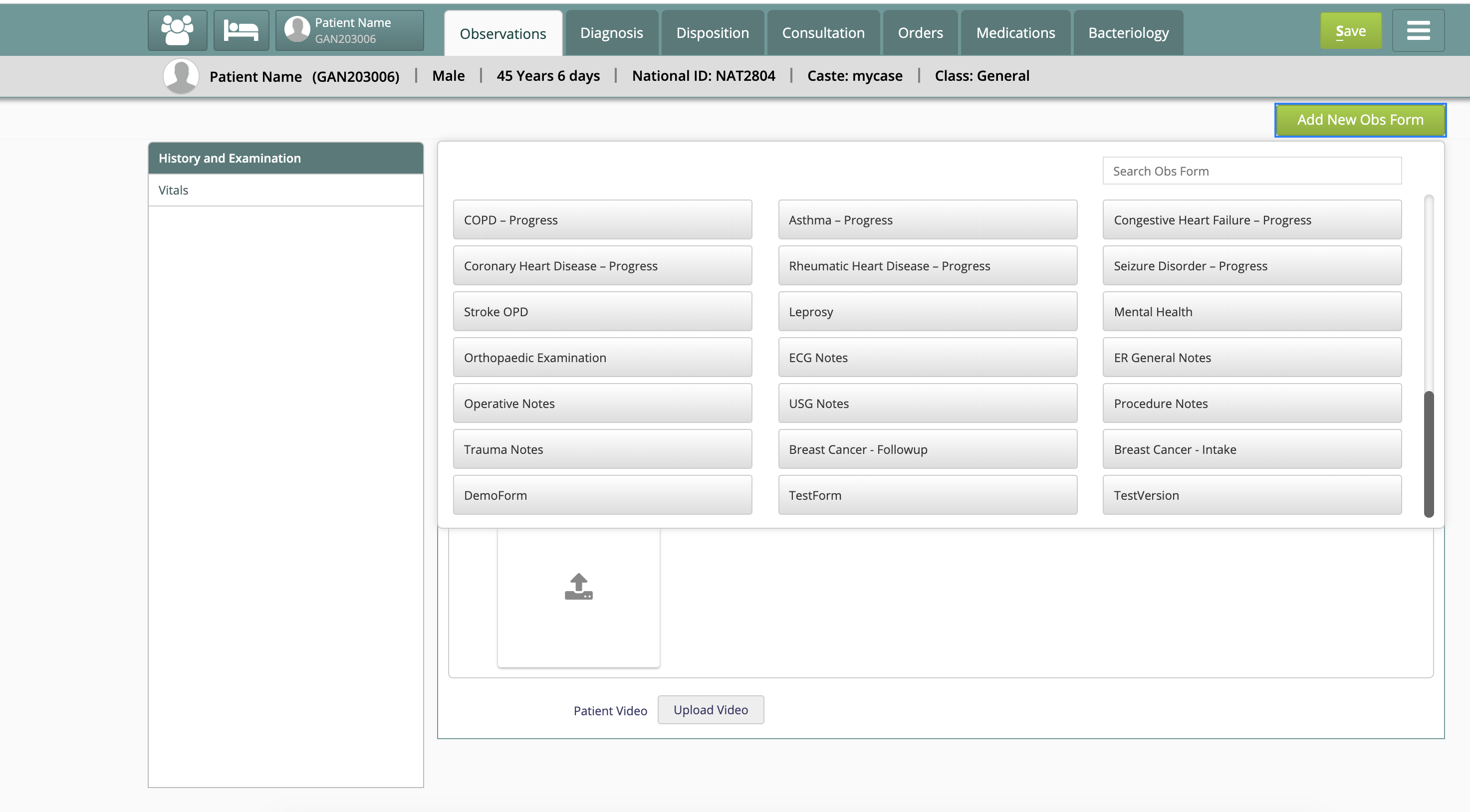
The form is editable, only if the user can edit and view privilege.
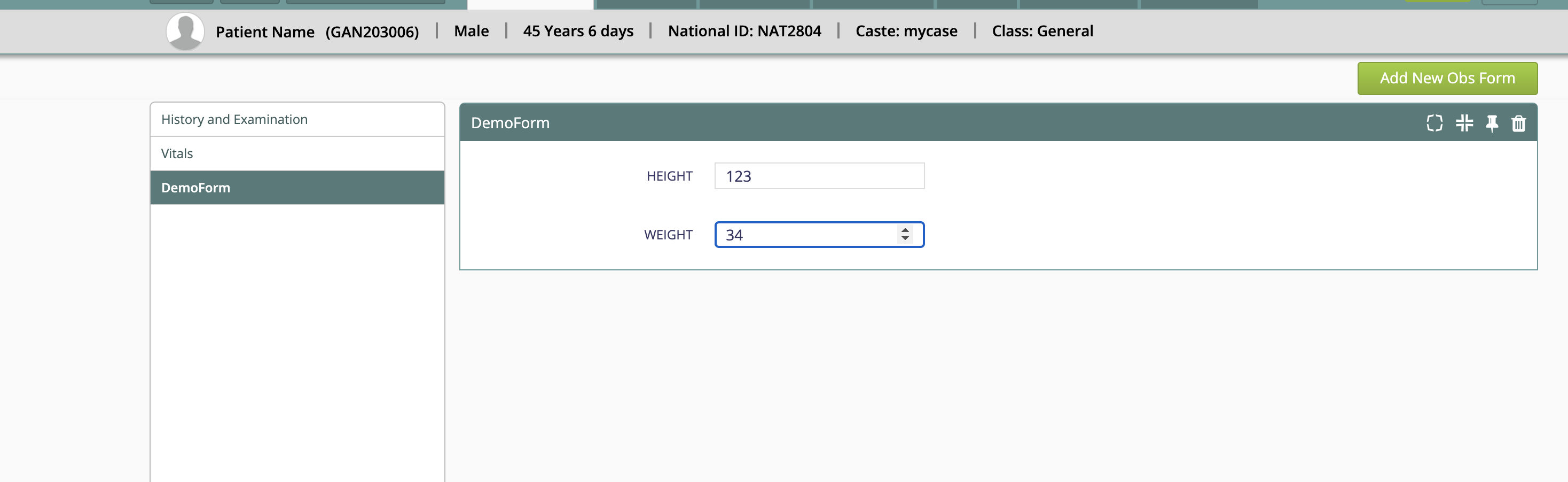
The same reflects in the clinical dashboard too.

Note: In case, there is no privilege applied to a form, the form will be considered editable and viewable for all users.
Demo Recording:
Bahmni Wiki · CC BY-SA 4.0